Event livestreaming and hybrid events
Event-Solution AG produces livestreams for events, congresses and meetings: with cameras, video control, sound straight from the mixing desk and speakers who join by video call, for example via Zoom. Our own technicians look after the stream on site, in Bern, Biel and across Switzerland.

When livestreaming an event is worthwhile
A stream takes your event to people who are not in the room: members who cannot travel, staff at other locations, specialists from abroad at a congress. Livestreaming an event is also worthwhile if the content should be available later: on request, we record everything. That way, anyone who could not be there live can watch the recording afterwards.
Decide in advance: should people just watch, or take part? With a pure broadcast, the picture goes in one direction. At a hybrid event, participants outside the room ask questions, request to speak or give a presentation themselves. That needs a way back into the room and more planning for sound and running order.
Cameras and video control
A typical setup is a fixed camera covering the whole stage, plus operated cameras for close-ups of the speakers. For panels or question and answer sessions, a camera facing the audience is often added. We work out how many cameras your programme needs during planning.
In video control, a technician decides live what viewers see: the wide shot, the speaker in close-up, the presentation or a remote guest. Slides go straight from the presentation computer into the stream, so they stay sharp instead of being filmed off the screen.
On camera, the stage needs enough even light. What feels pleasant in the room often looks too dark or patchy in the stream. That is why we plan suitable lighting for the stage and lectern at the same time.
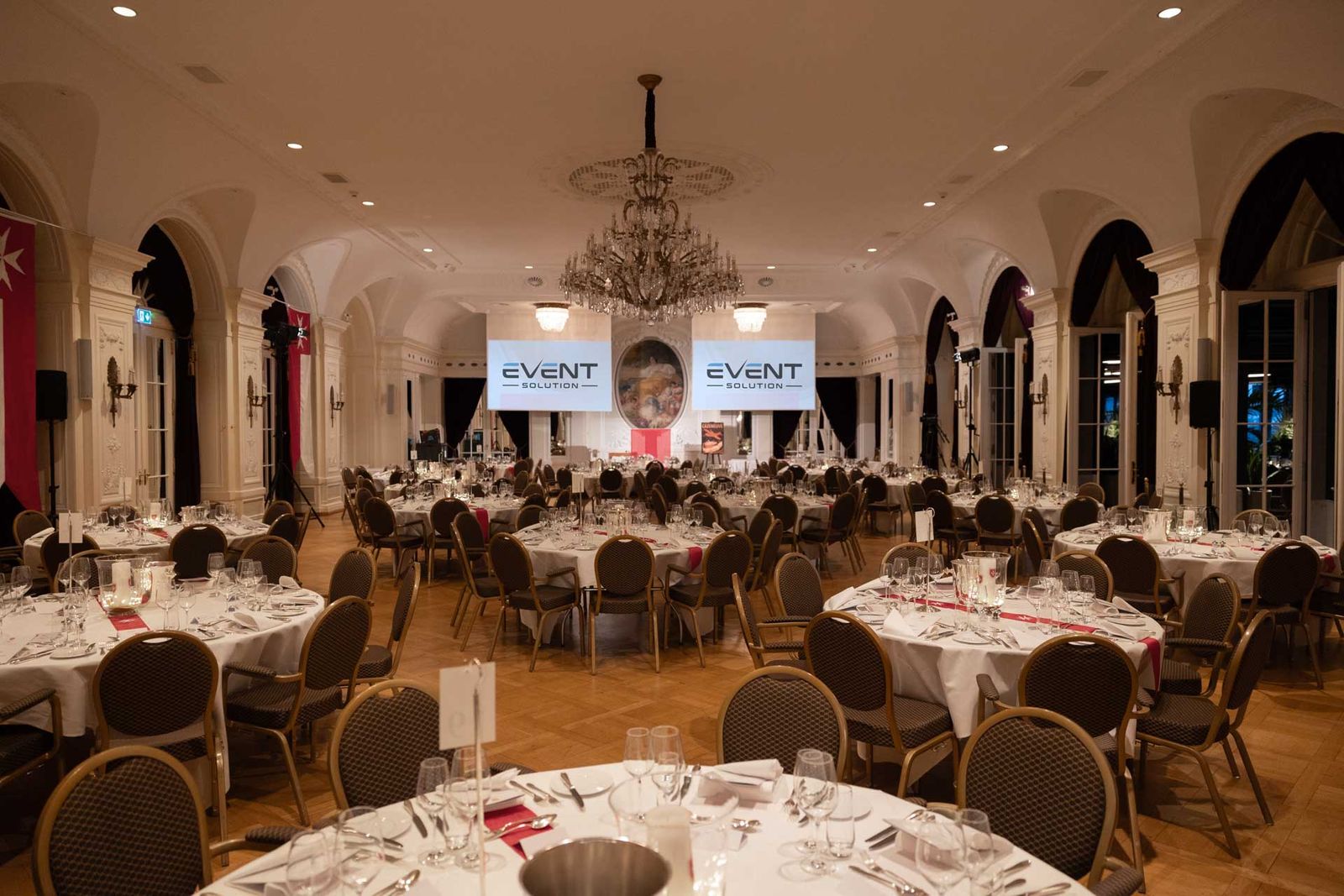
At the event across several rooms at the Bellevue Palace Bern, cameras and livestreaming were part of the setup, along with projectors, screens and microphones in every room.
Sound for the stream
Viewers forgive a simple picture more readily than poor sound. That is why the sound does not come from the camera microphone but straight from the mixing desk. Every microphone in the room can then be heard clearly in the stream, without reverb. A separate mix for the stream is worthwhile, because the room and headphones at home need different things: in the room, the space itself helps; in the stream, it is missing.
In every question and answer session: what is not spoken into a microphone, nobody online will hear. Questions from the audience therefore need a floor microphone or a wireless microphone; otherwise the host should repeat them. More on this under Sound.
Speakers joining by video call
Not every speaker can travel. By video call, for example via Zoom, she can still take the stage: her image appears on the screen and in the stream, and her voice reaches the room through the sound system. So that she can hear questions from the room without getting her own voice back as an echo, the connection needs its own sound mix. We set this up at the mixing desk.
What also helps:
- a connection test with everyone joining remotely before the event
- a headset or a good microphone instead of the built-in laptop microphone
- a quiet, well-lit setting on the speaker’s side
- the slides sent in advance as a file, so they run smoothly in the room even if the connection fluctuates
The Recycling Congress at the Kongresshaus Biel worked the same way: we streamed it live and brought in speakers who could not attend in person via Zoom.
Platforms: where the stream goes
The stream can run on YouTube or Vimeo, in a player on your own website or in a Teams or Zoom meeting. No platform suits every case. These are the questions that decide:
- Should the stream be public, or only for invited guests with a link or registration?
- Should viewers be able to ask questions or join the discussion?
- Should the stream remain available afterwards?
- Whose account does the stream run on, and who sends out the link?
You choose the platform; we deliver the signal to it.
Check the internet connection at the venue in advance
The internet connection is a common weak point. A hotel’s guest Wi-Fi is rarely enough for a stream, because many devices share the line. Ask the venue early for a dedicated wired connection, the available upload bandwidth and whether video conferencing is allowed on the network. Ideally, we test the connection beforehand at the same location. If there is no reliable line, recording only is often better than a shaky stream.
Recording to watch later
A recording is almost always worthwhile. It serves members who could not attend, works as an archive or provides material for your website. If you only record and do not stream, you need no internet connection in the room, and the effort is lower. You receive the recording as a file after the event and can make it available for later viewing, for example on your website or intranet.
Data protection and consent
People are on camera in every stream. Let your guests know in the invitation, and again at the entrance, that the event will be filmed and broadcast. Obtain the speakers’ consent, including for later use of the footage. Guests who do not want to be on camera should be able to avoid it. On request, we set up the cameras so that the audience is seen only from behind or not at all. Please clarify the legal details with your data protection office or a specialist; we do not give legal advice.
For an initial quote, the date, venue, programme and preferred platform are enough. The quickest way is our enquiry form.